
Side project · free
PioTime
What's inside?
Quick entry
Buttons for your most frequent durations, or a built-in timer, one tap is enough.
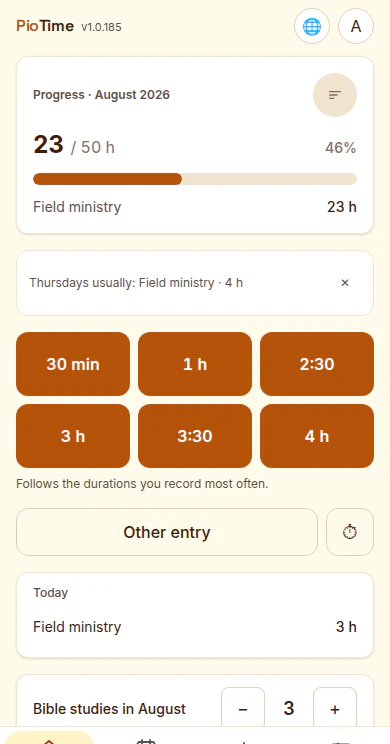
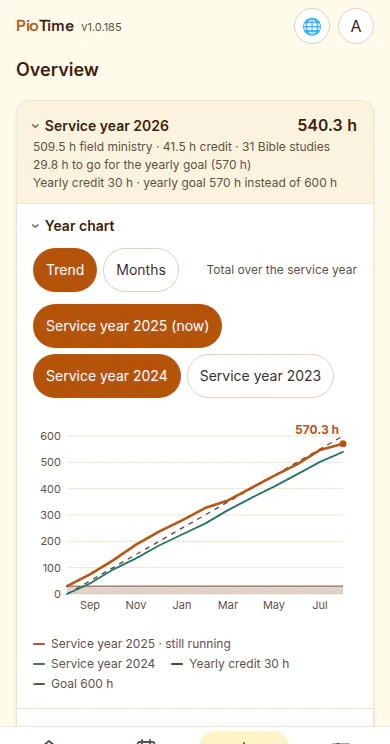
Monthly goal & service year
A progress bar for the monthly goal (50, 30, 15 hours or your own), a service-year overview with credits and monthly totals.
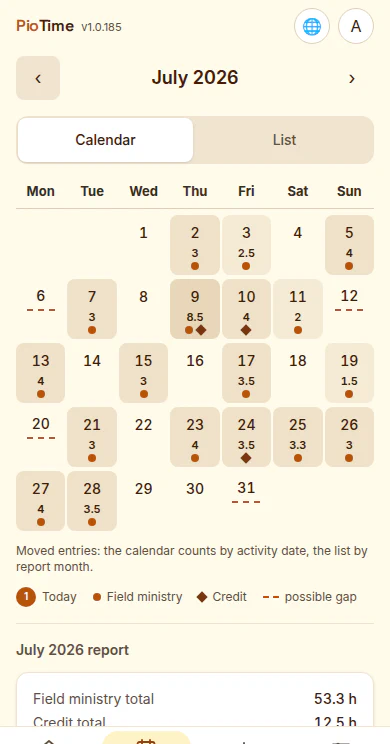
Calendar & list
Every month as a calendar or as a list, including a hint at possible gaps.
Bible studies & report
Count Bible studies per month, generate a ready-to-send report.
Device syncing
Pair your phone, tablet and other devices with a QR code, end-to-end encrypted.
Eight languages
German, English, Spanish, French, Italian, Russian, Ukrainian and simplified Chinese.
Want to try it?
PioTime runs in the browser and installs to your phone — or you can get it for iPhone and iPad from the App Store. To have a look around, the start screen offers a demo with sample data.
 Wortex
 Omnido
 Shift
Shift